
Safeguard your family recipes in minutes
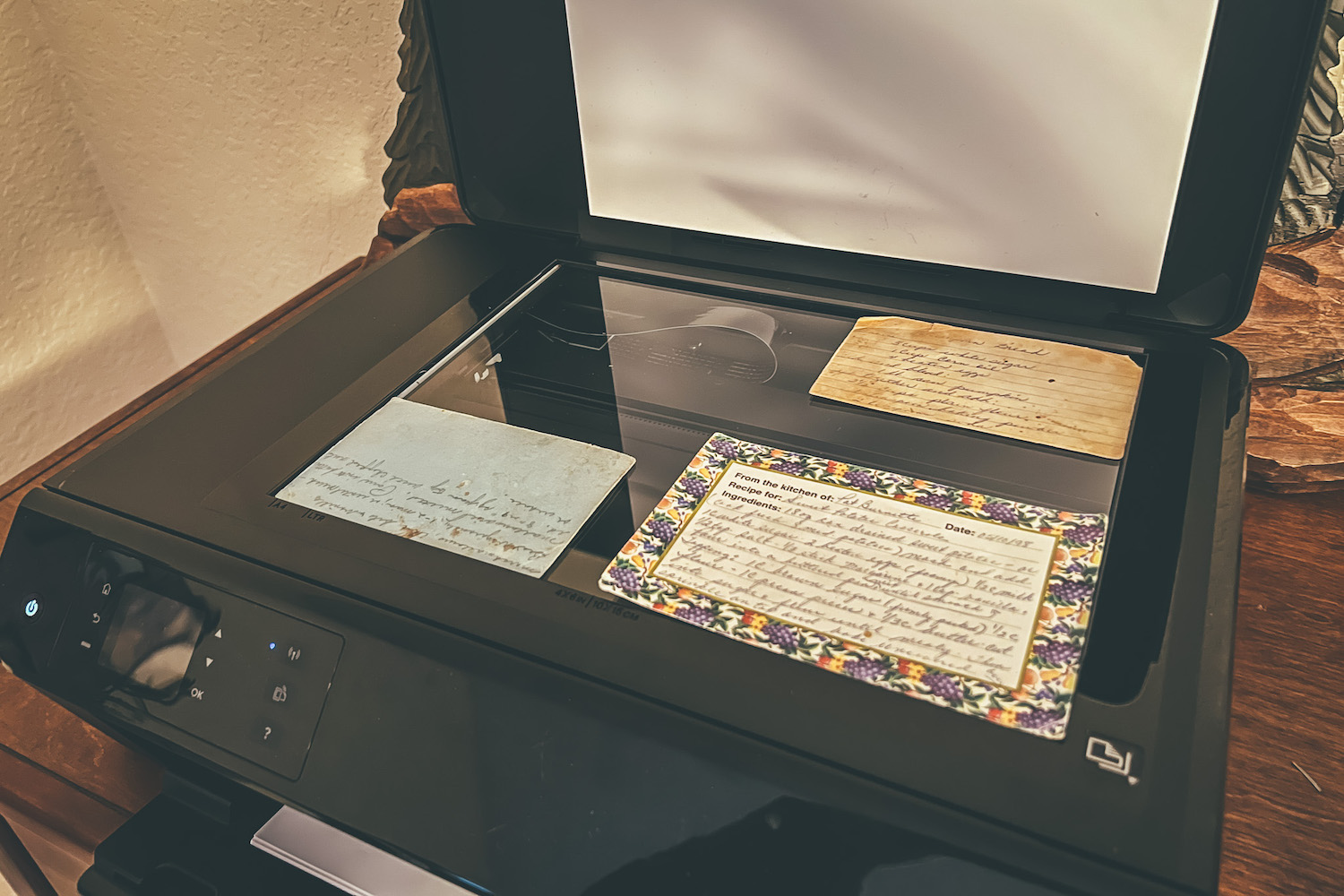
That shoebox of recipe cards is one spill, move or lost binder away from gone. Snap a photo of a card and Morsel reads the handwriting and types up the recipe for you: the name, the ingredients and every step. The original card is saved right alongside it.
2 c. flour · 1 Tbsp baking powder
1 tsp salt · 1 stick cold butter
¾ c. buttermilk
Cut in butter, stir in milk. Bake 450° 12 min.

- 2cup(s)all-purpose flour
- 1stick(s)cold butter
- ¾cup(s)buttermilk
How it works
- 1
Snap the card
Take a photo of the recipe card with your phone, or upload one you already have. Add up to 3 photos for the back of the card or a second page.
- 2
Morsel types it up
In under a minute, the name, description, categories, ingredients, yield and steps are filled in for you.
- 3
Check it and publish
Give it a quick read, fix anything the handwriting made tricky, and share it with your family.
Why families love it
Minutes, not a weekend of typing
No more squinting at faded ink and retyping every line. Scan a card while the coffee brews, and work through the whole box a few cards at a time.
The original card, kept forever
Your card photos are saved with the recipe as The Original Recipe Card, so the handwriting, the smudges and the notes in the margin are part of the family cookbook too.
Honest about the hard parts
Faded pencil or a smudged oven temperature? Morsel tells you what it couldn't read or had to guess, so you know exactly what to double-check with Mom.
Questions
What can I scan?
Handwritten recipe cards, typed index cards, pages from a recipe book and printed recipes. If you can read it in a photo, Morsel can usually read it too.
Can Morsel read handwriting?
Yes, including cursive. Very faded or smudged writing can be tricky, so Morsel flags anything it had to guess and you can correct it before you publish.
What if the recipe continues on the back of the card?
Add up to 3 photos per recipe, such as the front and back of a card, and Morsel reads them together as one recipe.
Is the photo of the card saved?
Yes. Your card photos are kept with the recipe and shown on the recipe page as The Original Recipe Card. You can remove them, or add card photos to recipes you've already saved.
Is Recipe Card Scan free?
Recipe Card Scan is in beta and works on every Morsel plan, including the free plan, which holds up to 10 recipes. You can scan up to 30 cards a day.
What does beta mean?
Scanning is new and we're still improving it. It works today, and we'd love to hear how it does with your family's cards at info@getmorsel.com.
More ways to keep your family's recipes
Never lose a family recipe again
Bring every recipe, photo and story into one family cookbook your whole family can use.
Get started freeFree for up to 10 recipes. See pricing