
A cookbook that's organized from day one
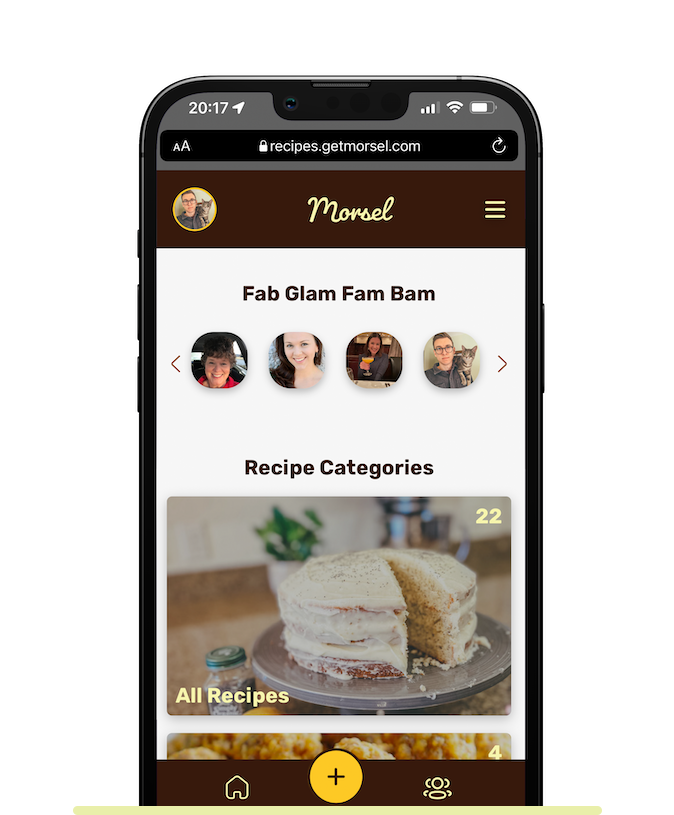
Tick a category or two when you add a recipe, and each group's cookbook sorts itself, from Breakfast to Winter Holidays. Browse by category when you know what you're in the mood for.

 All Recipes64
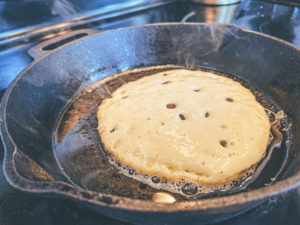
 Breakfast9
 Dinner21
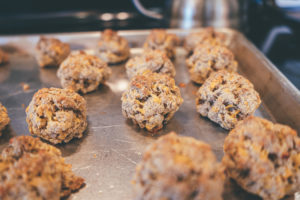 Appetizers / Snacks7
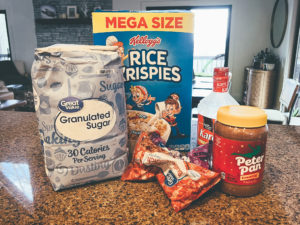 Desserts15
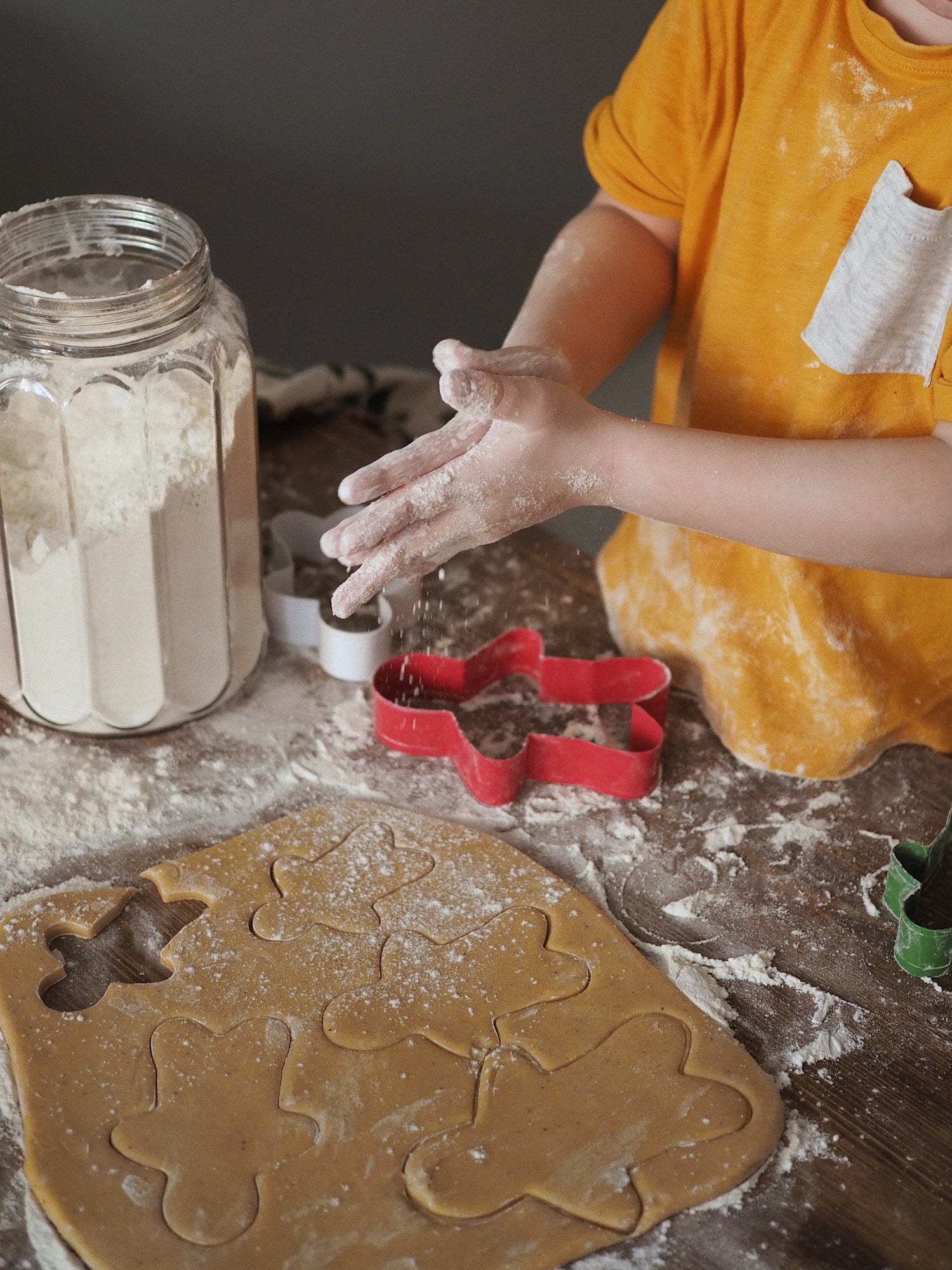 Winter Holidays12
How it works
- 1
Pick categories
Choose one or more categories when you add or edit a recipe.
- 2
It's filed for you
The recipe appears under those categories in every group it's shared with.
- 3
Browse by mood
Open a category to see every recipe in it, or All Recipes to see the whole book.
Why families love it
Browse like a real cookbook
Flip to Desserts. Flip to Dinner. Categories make a big collection feel like a book instead of a pile.
Holiday menus in one place
Summer Holidays and Winter Holidays collect the recipes that only come out once a year, so planning the big meal takes one sitting.
One recipe, more than one shelf
Sausage balls can be an Appetizer and a Winter Holidays favorite. File a recipe under every category that fits.
Questions
What categories does Morsel have?
Breakfast, Lunch, Dinner, Appetizers / Snacks, Beverages, Desserts, Summer Holidays and Winter Holidays, plus All Recipes.
Can a recipe be in more than one category?
Yes. Pick every category that fits.
Can I change a recipe's category later?
Yes. Edit the recipe and change its categories any time.
More ways to keep your family's recipes
Never lose a family recipe again
Bring every recipe, photo and story into one family cookbook your whole family can use.
Get started freeFree for up to 10 recipes. See pricing