
Hear the recipe in their own voice
Some of a recipe never makes it onto the card. Add a Family Memory: up to five minutes of the story behind the dish, the tip that makes it work, or a family secret, told in their own voice.

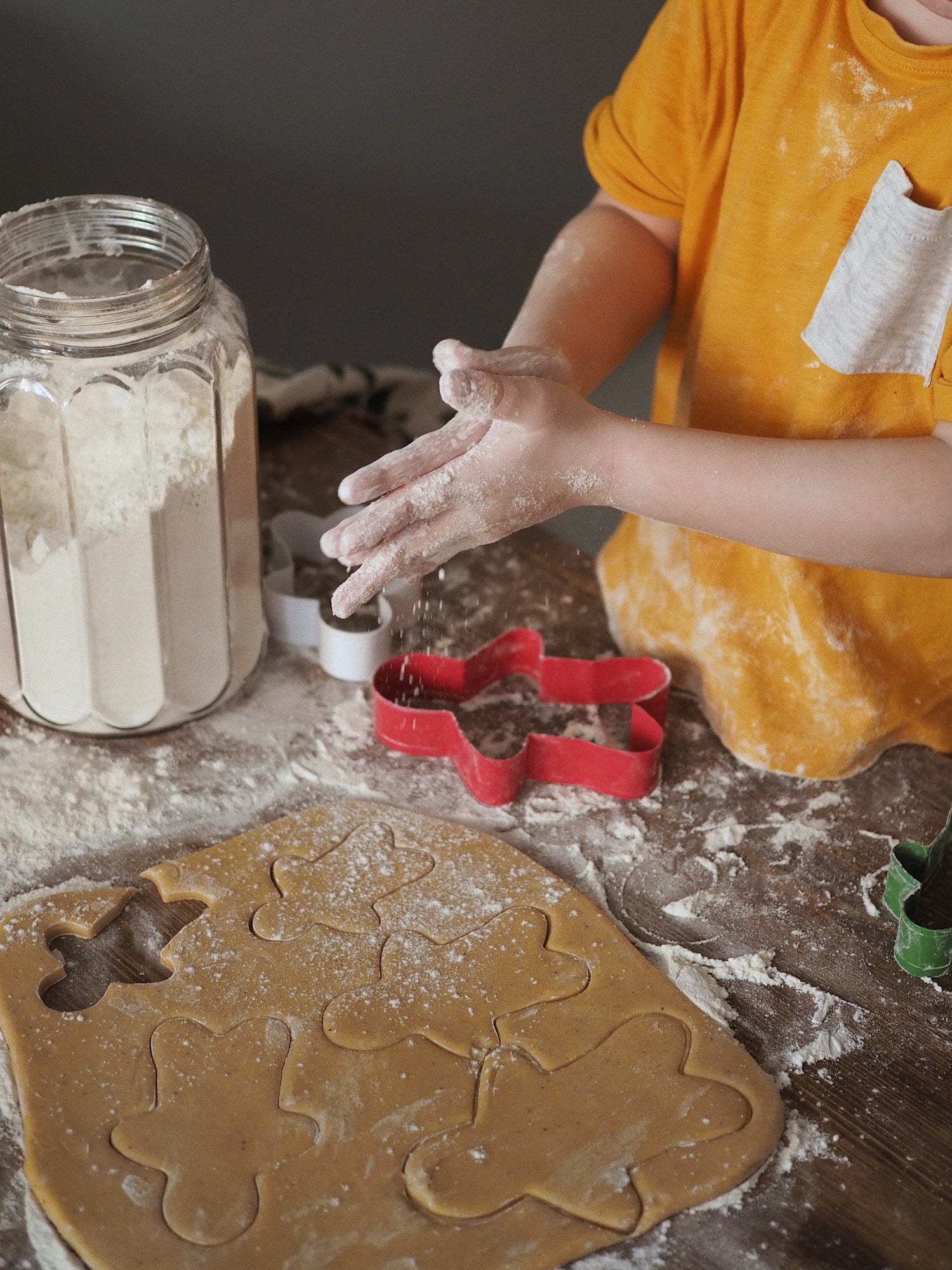 Grandma Jo's Christmas Cookies
How it works
- 1
Add a Family Memory
While adding or editing a recipe, choose Record a memory.
- 2
Record or upload
Record right in the browser, or upload a voice memo you already have on your phone.
- 3
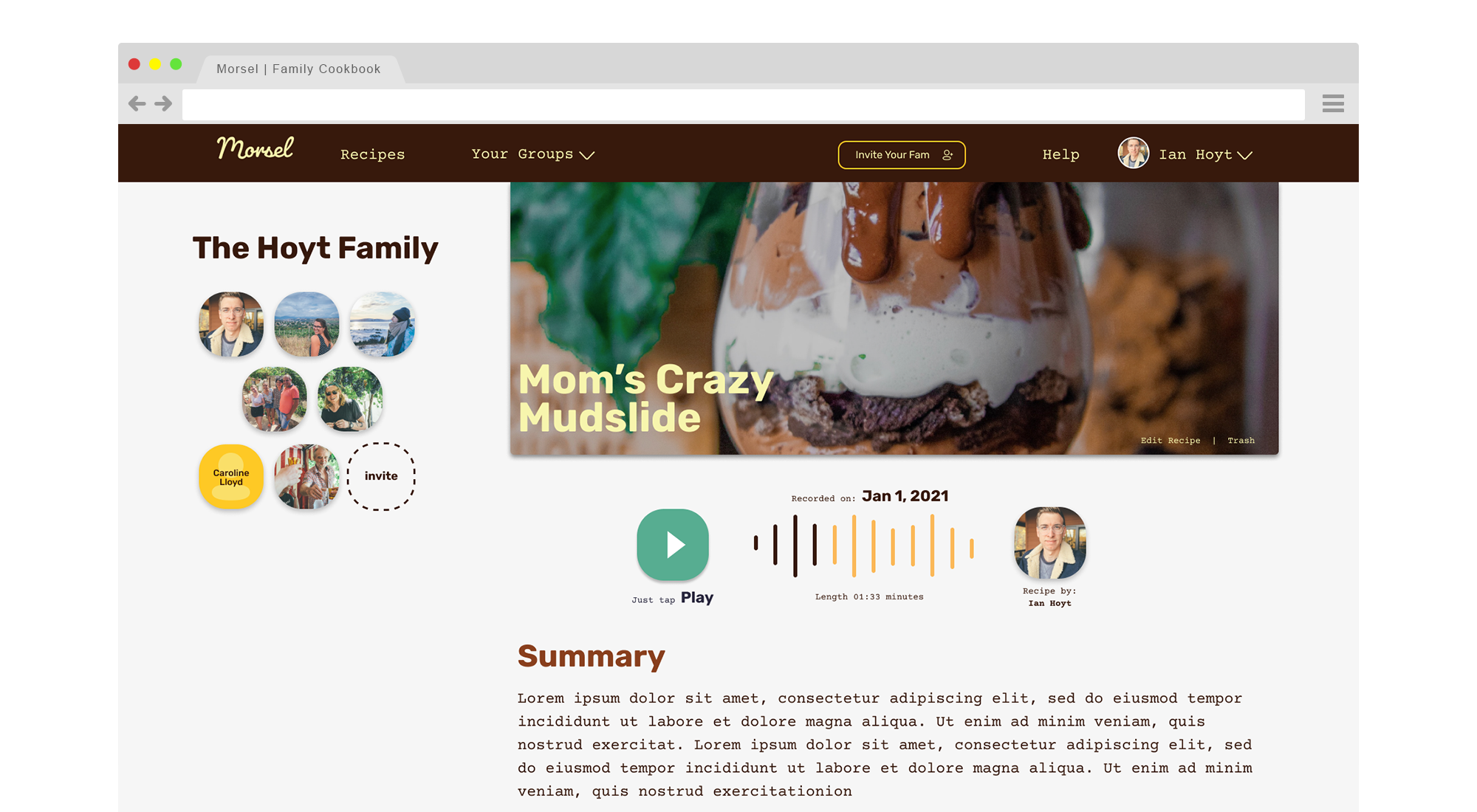
The family taps play
The player sits on the recipe page for everyone in its groups, now and years from now.
Why families love it
A keepsake, not just a recipe
A voice is the thing you can't get back. An audio memo keeps a grandparent's voice with the recipe they made famous.
The tips that aren't written down
"Stir until it looks like wet sand." "Don't open the oven." Record the details that make it taste right.
Private to your groups
Recordings are only playable by members of the groups the recipe is shared in. They're never public.
Questions
How long can an audio memo be?
Up to 5 minutes. That's plenty for the story, a few tips and a laugh or two.
Can I upload a recording I already have?
Yes. Upload an existing voice memo (MP3, M4A, WAV and other common formats, up to 20 MB) instead of recording a new one.
Who can hear an audio memo?
Only members of the groups the recipe is shared in. Every play is checked, so recordings stay in the family.
What should I record?
Where the recipe came from, who made it first, when the family makes it, and any step that's easier to explain out loud.
More ways to keep your family's recipes
Never lose a family recipe again
Bring every recipe, photo and story into one family cookbook your whole family can use.
Get started freeFree for up to 10 recipes. See pricing